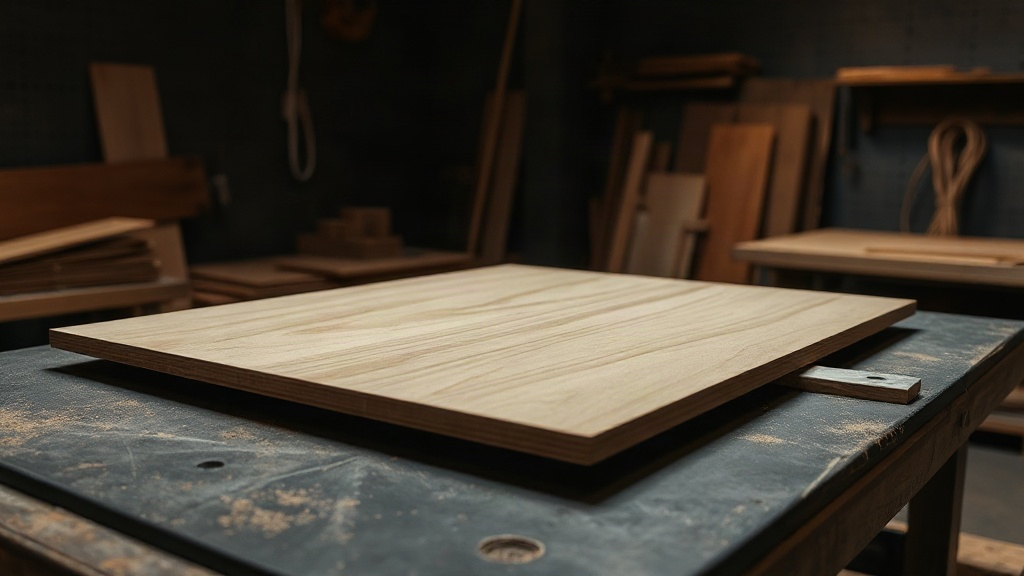
From stock to finished cut
Define parts and sheets, optimize the packing, then cut with a step-by-step guide — and keep leftovers for the next job.
Workflow
-
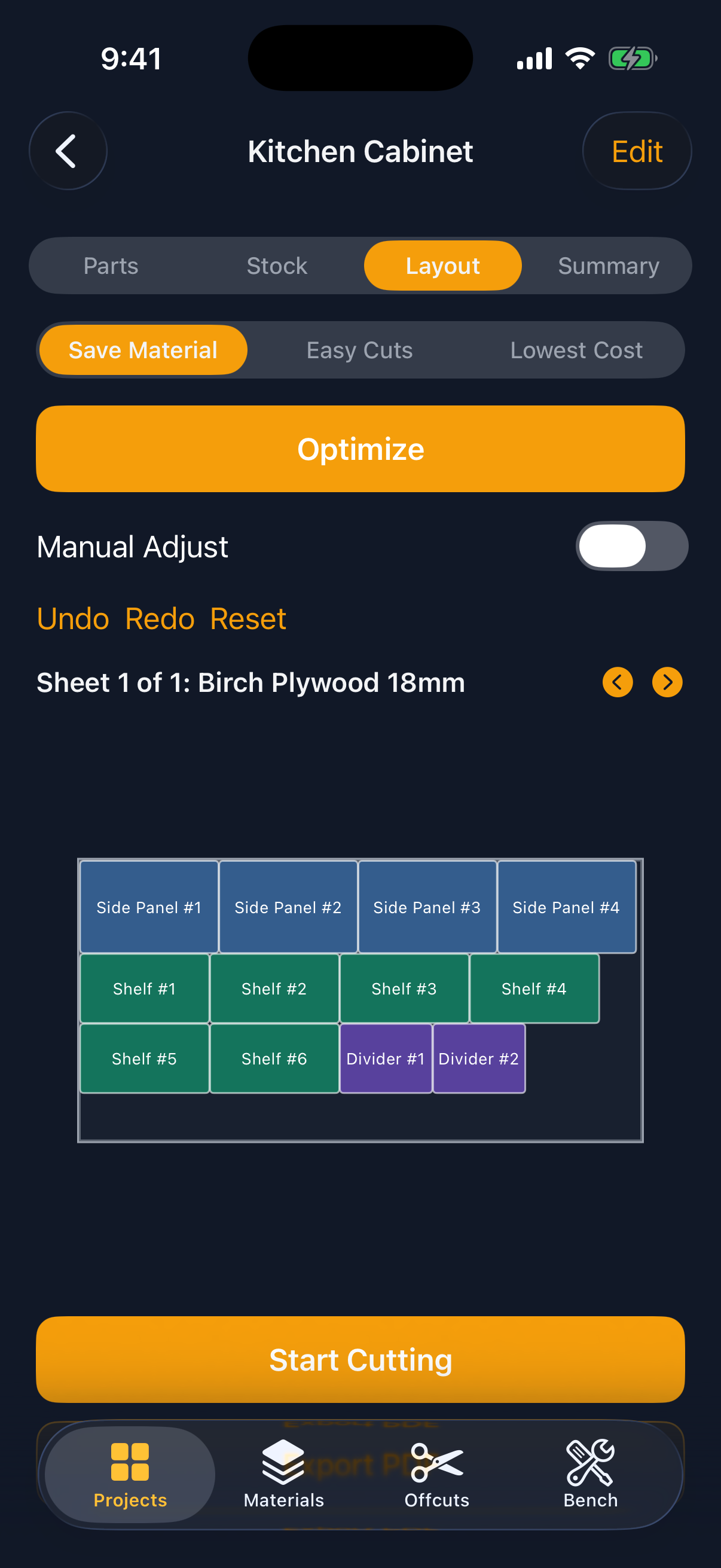
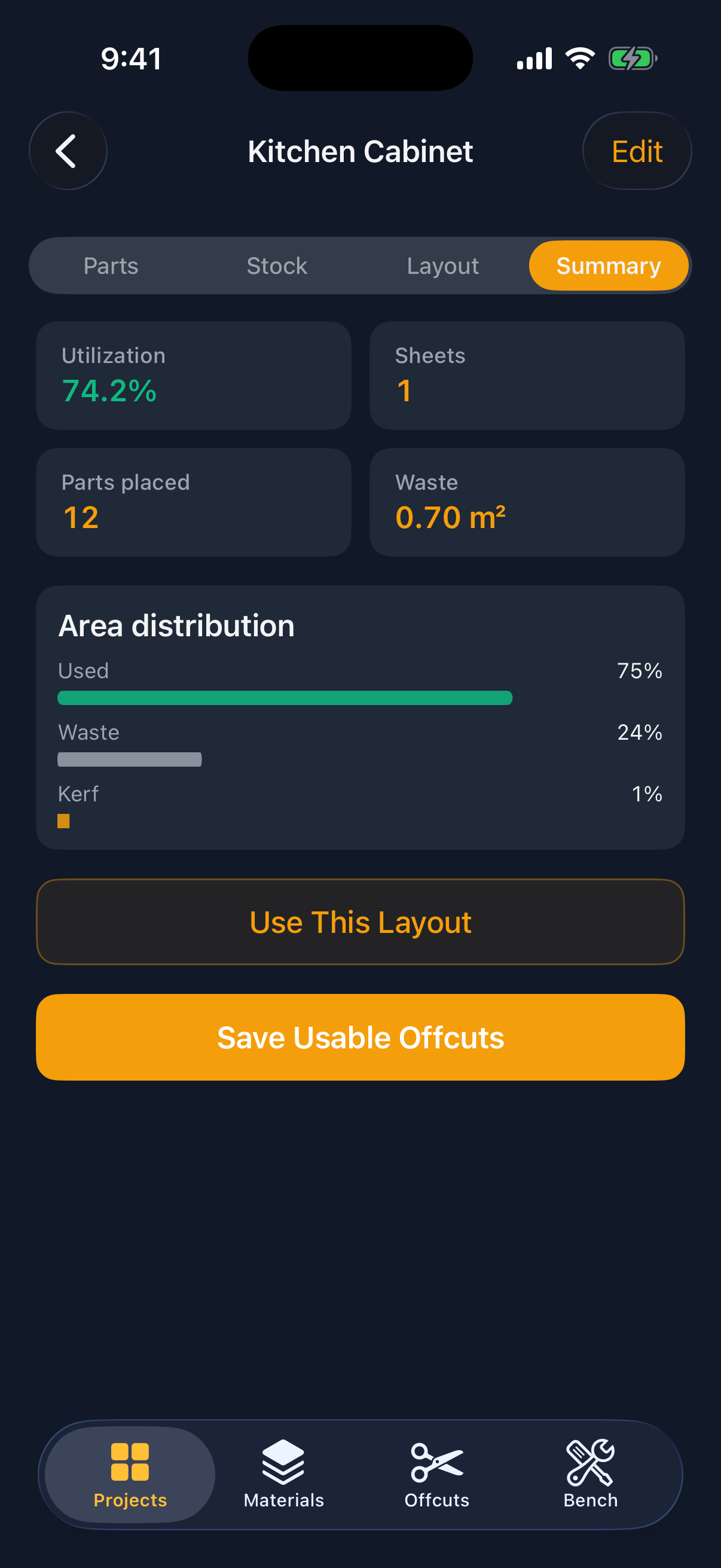
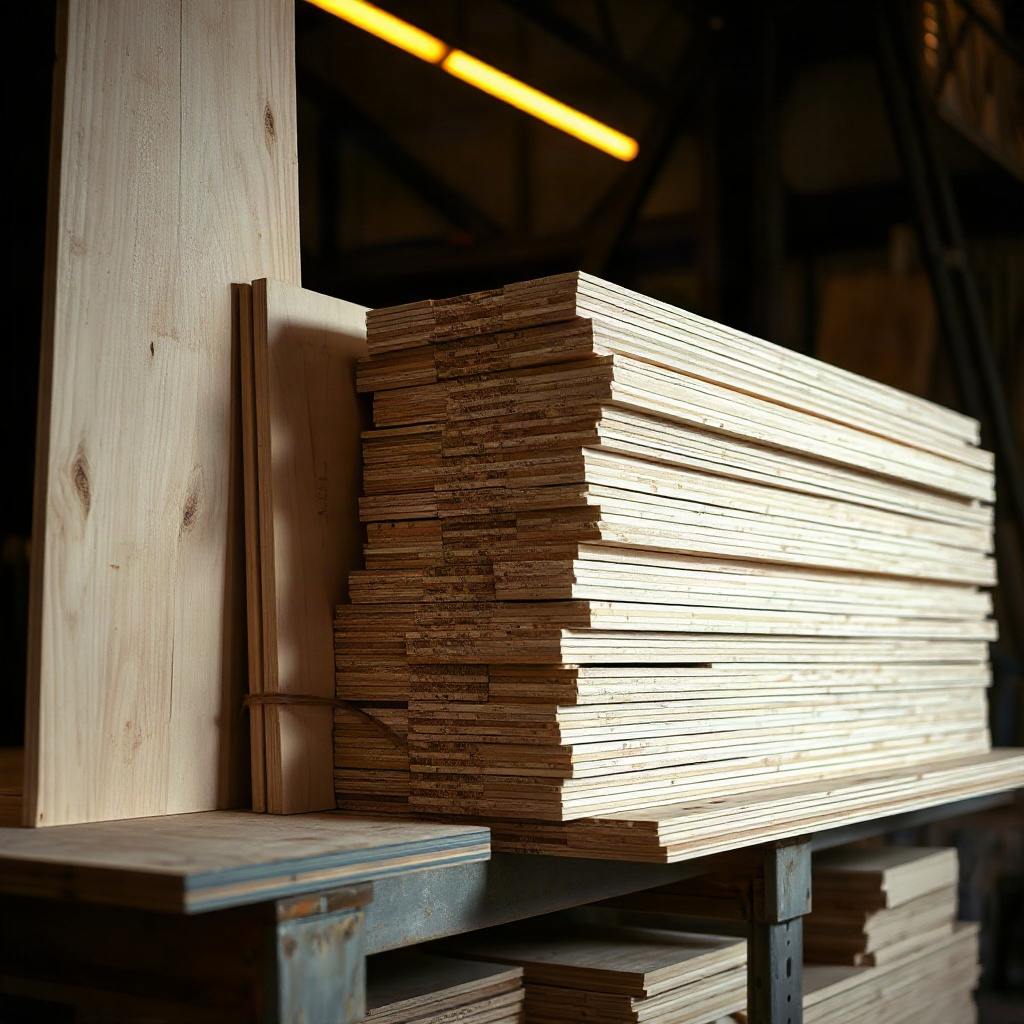
Pack parts onto real sheets
Enter widths, heights, and quantities, then optimize placements with kerf width and edge trim so the packing matches how you actually cut.
-
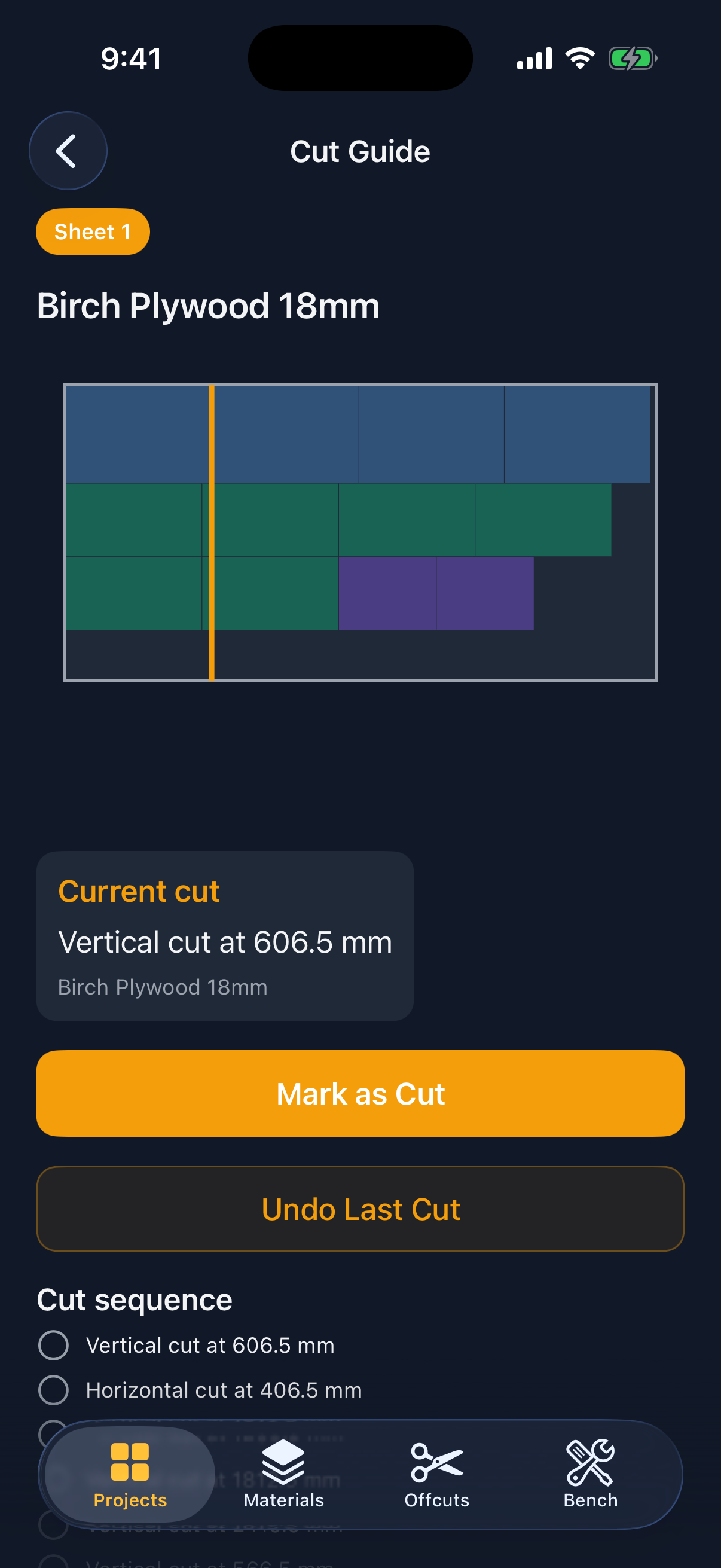
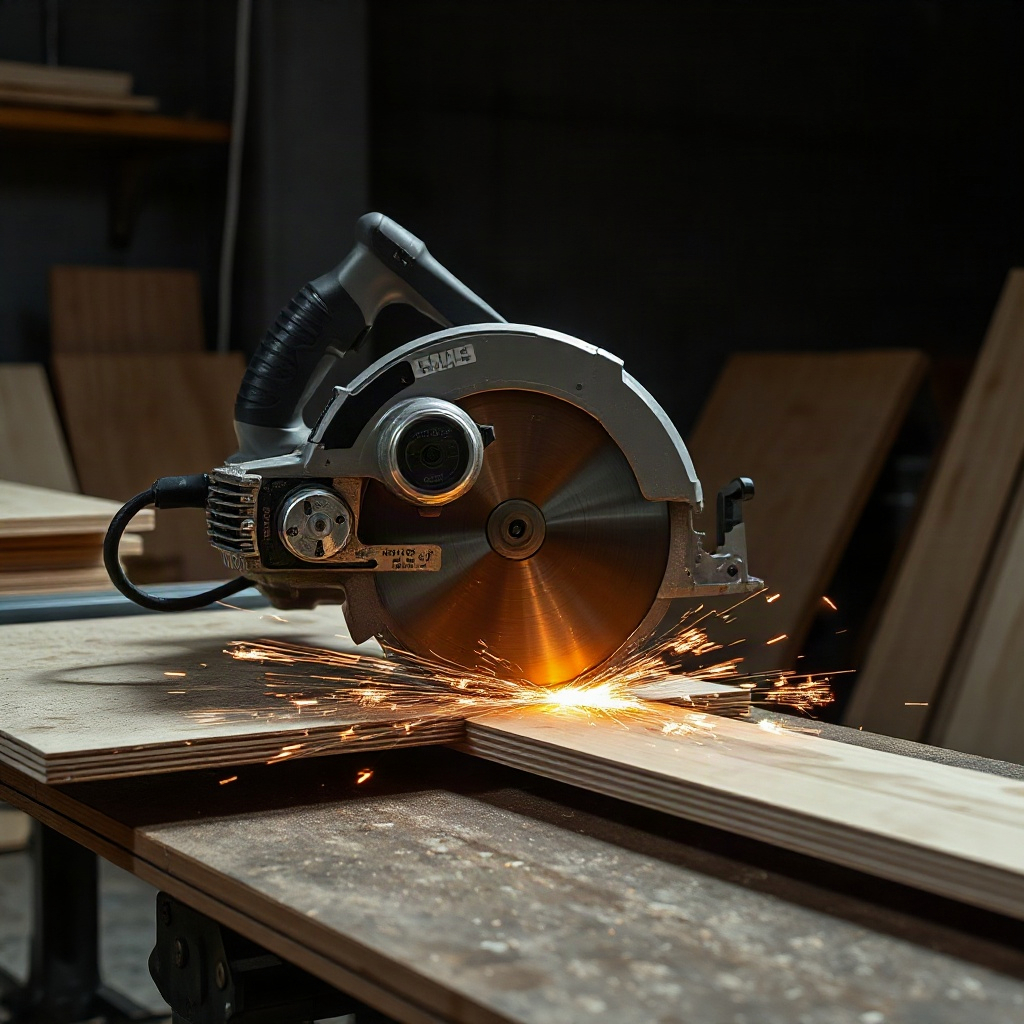
Follow a cut guide
Walk each through-cut step on the sheet with distances from the reference edge, mark progress, and keep the sequence ready at the saw.
-
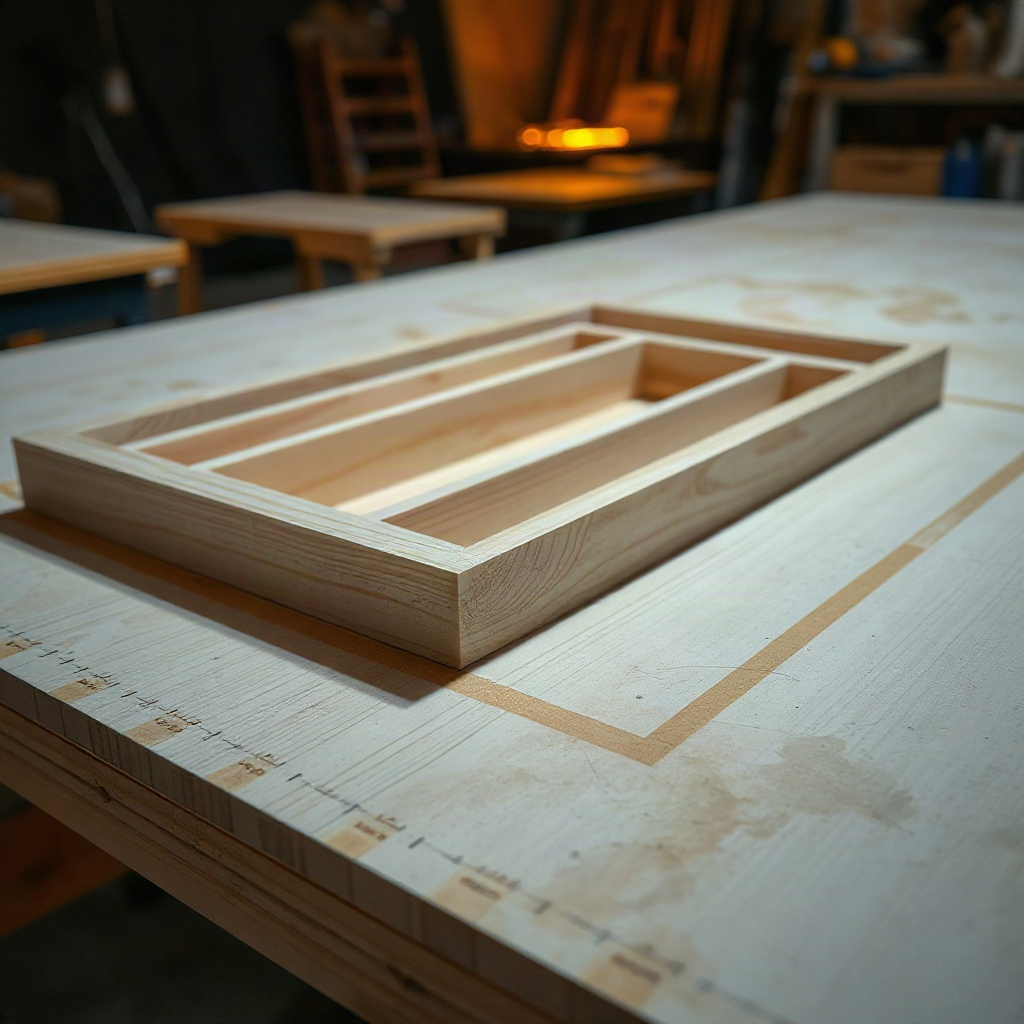
Reuse usable offcuts
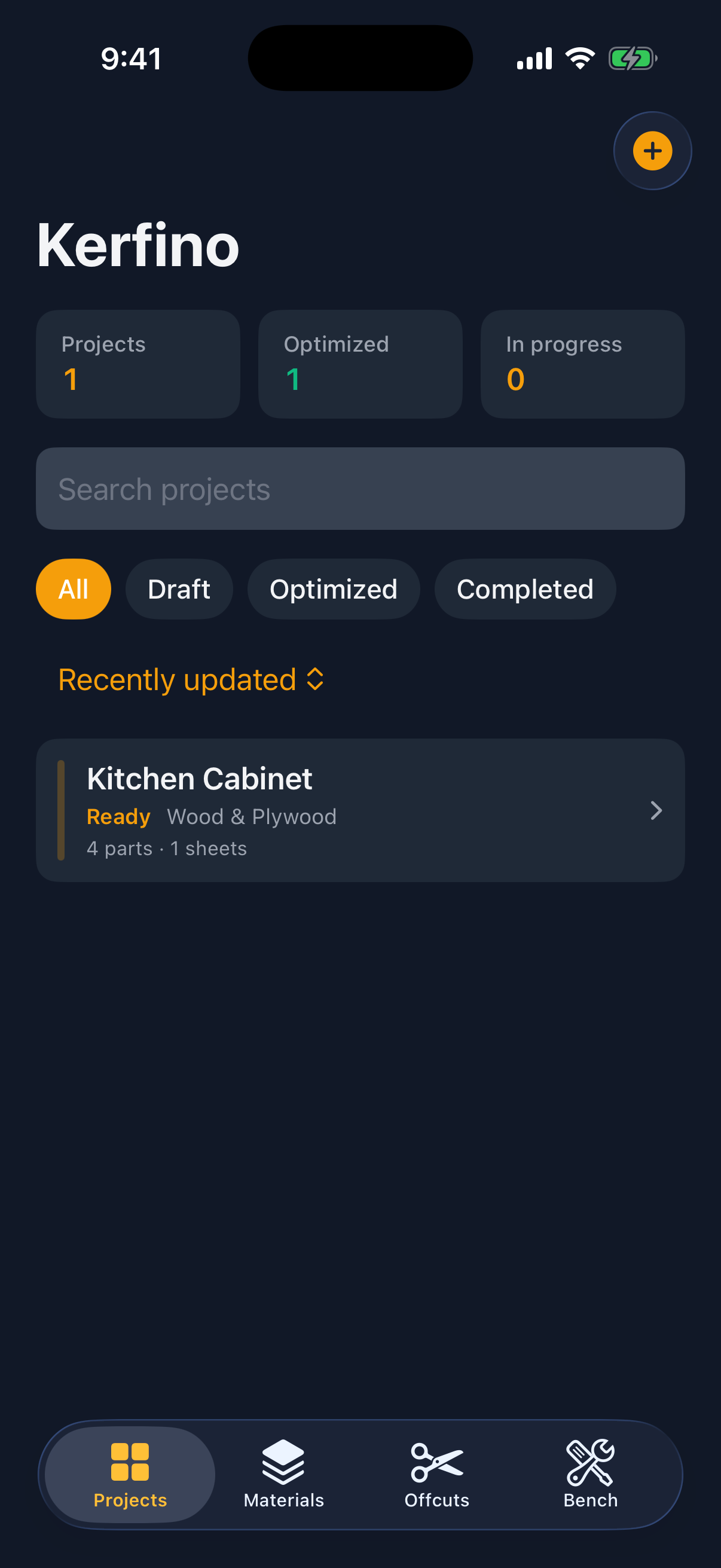
Save leftover rectangles into your library and prefer them on the next project so leftover stock becomes the first sheet you try.
Inside the app
Privacy & support
Privacy Policy
Last updated: October 12, 2026
Kerfino (“we”, “the app”) is a local cutting planner for iPhone and iPad. This policy explains what information the app handles and how support requests are treated.
Information we process
Kerfino stores your cutting projects, material profiles, offcut inventory, layout results, and preferences on your device. That content stays under your control in the app’s local storage. We do not require an account to use the core planner.
Network access
The cutting planner is designed to work without a continuous internet connection. If you contact us by email, the message travels through your mail provider to reach us.
Sharing
We do not sell personal information. Device-side project data is not uploaded by the app for advertising. If you export a cutting plan or workshop archive, you choose where that file is saved or shared using the system share sheet.
Children
Kerfino is not directed at children under 13. We do not knowingly collect personal information from children.
Changes
We may update this policy when the app’s practices change. The “Last updated” date at the top will reflect the latest revision.
Contact
Questions about privacy: sanreal145@gmail.com.
Support
Need help with packing, cut guides, exports, or restoring a workshop backup?
Email sanreal145@gmail.com and include your device model, iOS version, and a short description of what you tried. We aim to reply within a few business days.
Tip: before writing, try Optimize again after checking kerf, edge trim, and part rotation settings — most placement issues come from stock that is slightly smaller than the parts after trim.